2010
05.02
05.02
In Ubuntu 10.04 (but maybe also in others versions) Nautilus default behavior is not to show the address bar. Instead it just shows some (stupid) buttons. There are probably a lot of people that like this, but I don’t! Fortunately, there is a way to get everything like it should be 🙂
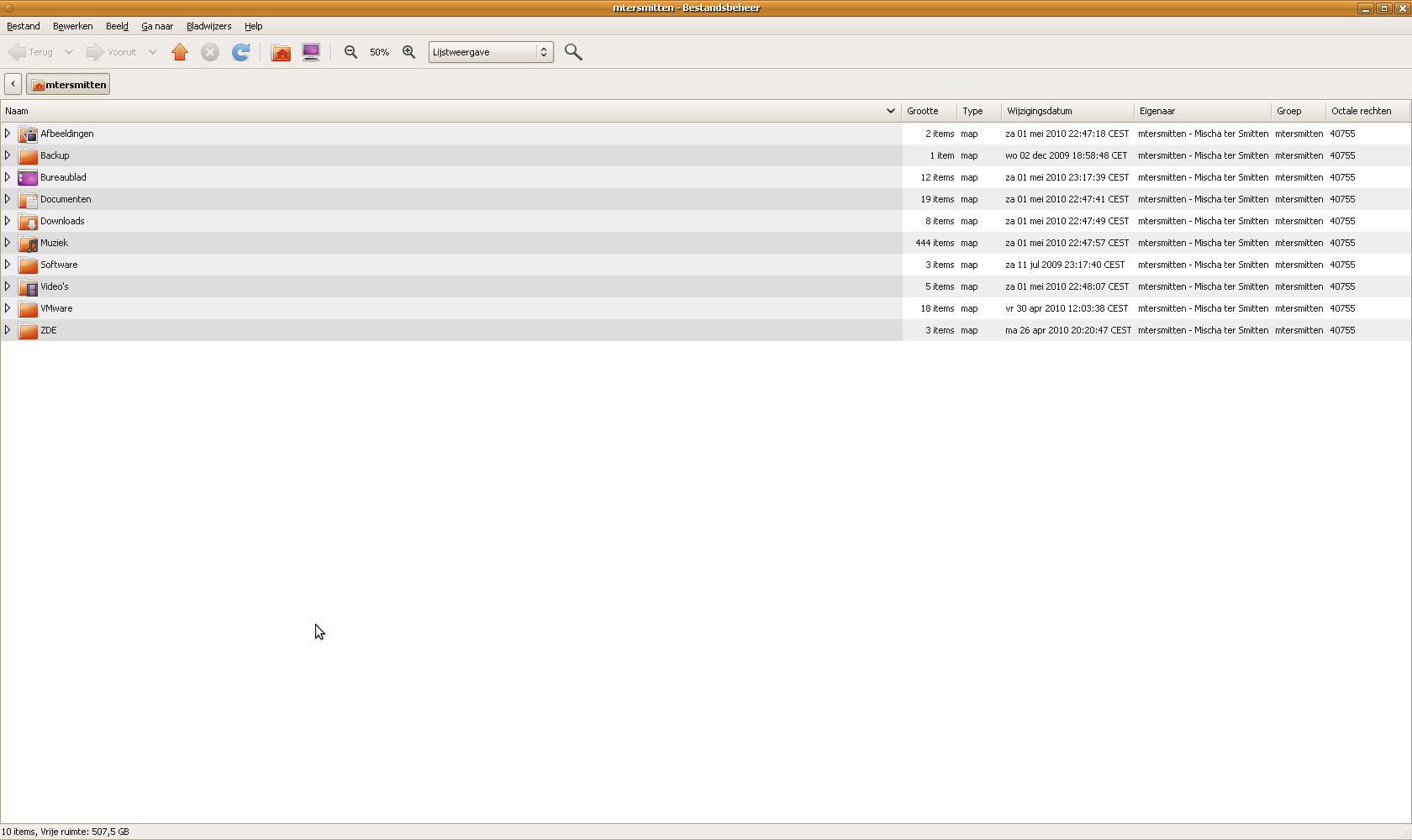 |
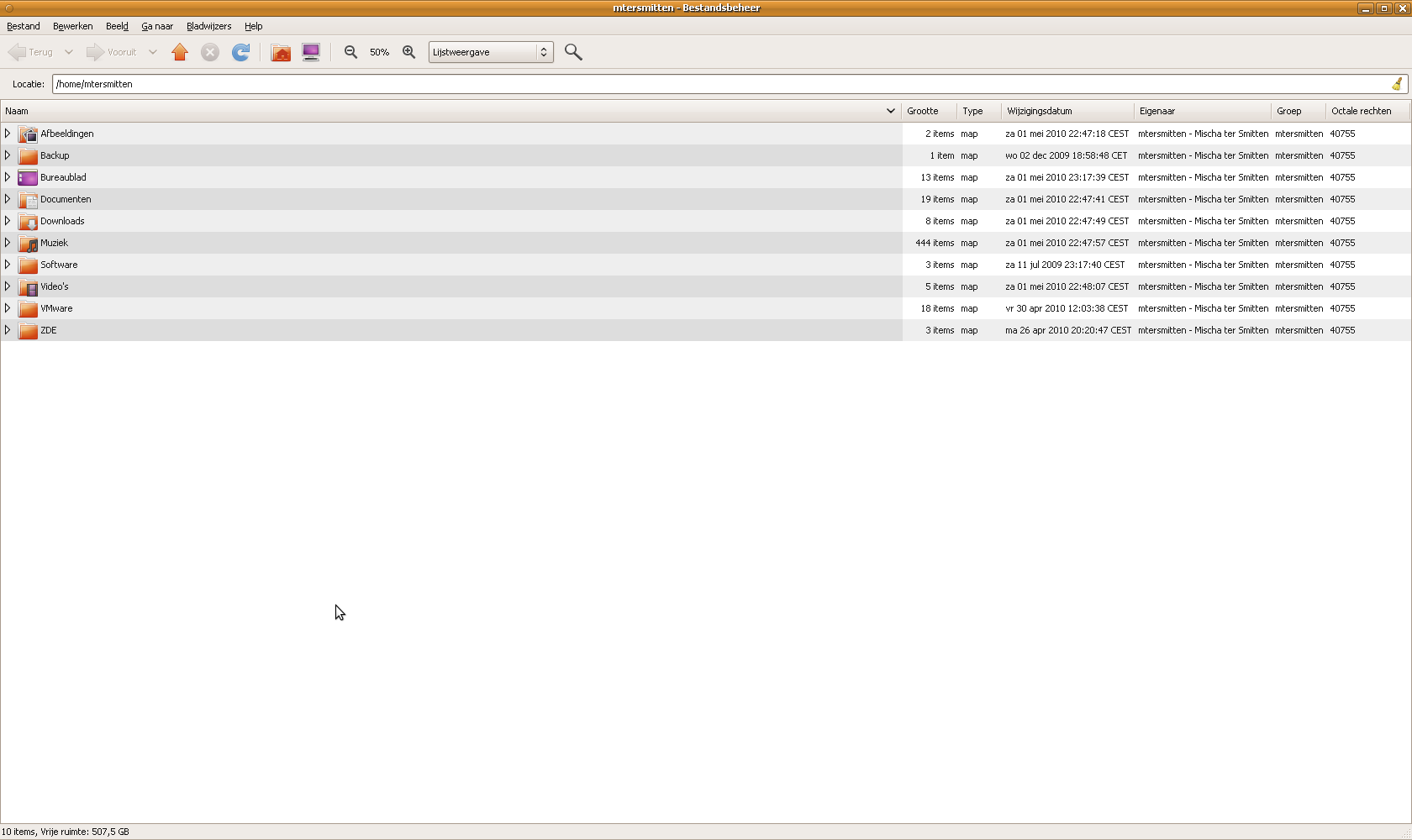 |
Open gconf-editor and follow this path:
apps -> nautilus -> preferences
There you will find an option called always_use_location_entry. Check this option. This will immediately change all open Nautilus windows, as well as any newly opened Nautilus windows, to always use the location bar. Hurray!
References:
No Comment.
Add Your Comment